
Generate a Visual Sitemap for Your Website
Create an interactive visual map of your website’s structure to plan navigation, content hierarchy, and site architecture.
Enter your website’s root URL to continue:
Start generating in seconds — or start with a template
Visual Sitemap Generator
Plan and visualize your website structure with an interactive visual sitemap. Generate it automatically from any existing website or build it manually from scratch. Organize pages, map relationships, and create a clear structure you can easily share with your team or clients.
Turn any existing website into an interactive sitemap in seconds, or choose a template to start planning your structure faster.
Start instantly in Sandbox — a free, no-registration environment for generating and testing visual sitemaps. Switch to Workspace for ongoing work, where projects are saved and managed. Workspace includes a free starter plan, with flexible upgrade options as your usage grows.
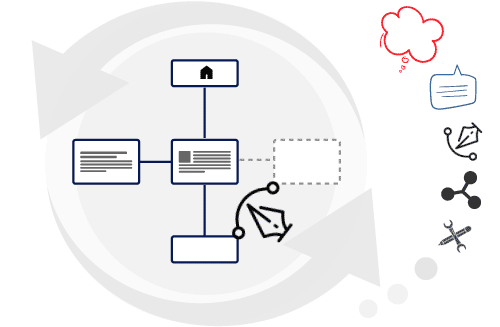
See a Visual Sitemap in Action
Visualize, Analyze, and Plan Your Website Structure
Understand Your Website Architecture at a Glance
Automatically generate a visual sitemap from any publicly accessible website in minutes. The interactive map reveals how pages are connected, helping you assess site structure, identify gaps, and uncover opportunities to improve navigation, user experience, and SEO.
In addition to page relationships, the tool collects essential meta information that influences how your pages appear in search results, giving you a clearer picture of your site’s overall optimization.
Plan and Design Websites More Efficiently
Visual sitemaps are an industry-standard method for planning and managing web projects. Start from scratch or expand an existing structure by creating an editable, interactive sitemap where you can add pages, organize content blocks, sketch wireframes, and iterate on ideas collaboratively with your team or clients.
This approach improves clarity, reduces rework, and keeps everyone aligned throughout the development process.
Export and Share with Your Team or Clients
Export your visual sitemap as PNG, SVG, PDF, or CSV files for documentation and presentations, or share it as an interactive web document that anyone can explore online. This makes reviews, approvals, and collaboration simple - without additional tools or installations.
Get Started Without Barriers
Use Sandbox to create visual sitemaps instantly, or continue in Workspace when you need to save and manage projects long-term.
Sandbox
For quick visualization or roadmap planning of small projects.
Workspace
For developing, working on, and maintaining multiple projects.


 Secure Checkout